
Pandora for Podcasters has moved to Simplecast Creator Connect. You can keep hosting the show with Mato: Creator Connect uses the Mato RSS feed to verify ownership and distribute the show to Pandora and other supported SiriusXM Media destinations.
Before you start
Prepare the following:
- A free Simplecast Creator Connect account, or an existing Simplecast account.
- Your public Mato RSS Feed URL.
- At least one published episode.
- Access to the owner email address in the RSS feed.
- A valid podcast feed with complete show metadata and artwork.
Simplecast says the account email does not have to match the RSS feed email, but using the feed email can make onboarding easier. The feed owner must still respond to the ownership verification message.
In Mato, open Settings > Distribution, click Sync now in the Mato hosting section, and copy the RSS feed URL.
Create or open Creator Connect
- Open Simplecast Creator Connect for Pandora.
- Click Get Started. It's free! to create an account, or Sign in if you already have one.
- Complete the Creator Connect account setup.
- Read and accept the current Creator Connect terms.
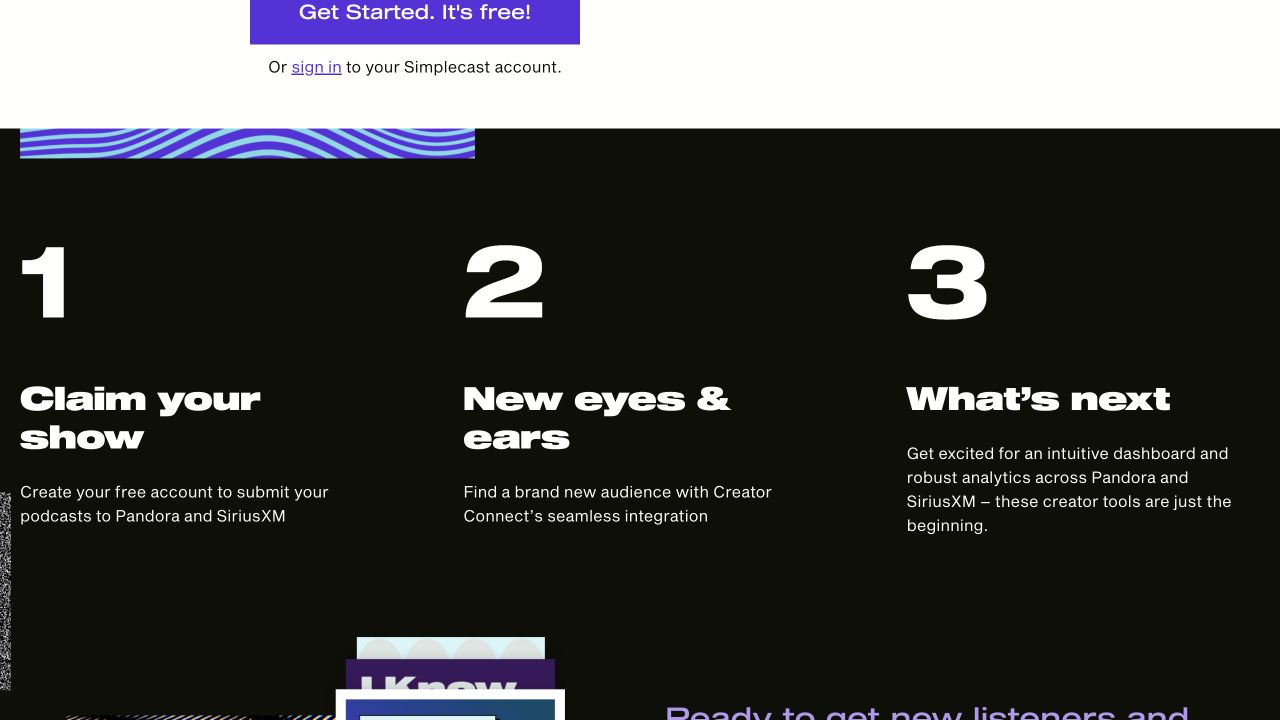
Screenshot captured on August 31, 2026. The interface may change. Pandora, SiriusXM, Simplecast, and AdsWizz are trademarks of their respective owners. This guide is not endorsed by those companies.
Add and verify the show
- In Creator Connect, start the Add show or Claim your show flow.
- Paste the Mato RSS Feed URL.
- Select the matching show if Creator Connect already knows about it.
- Request ownership verification.
- Open the message sent to the owner email in the RSS feed.
- Follow the verification link to approve the claim.
- Return to Creator Connect and finish the submission.
The person adding the show does not have to be the feed owner, but the person who controls the RSS email must approve the verification.
Existing Pandora shows must be reclaimed
The previous Pandora for Podcasters service is being retired. If the show was already available on Pandora, create or open a Creator Connect account and claim it there so the new terms and management connection are in place.
Do not create a duplicate feed. Search for the show in the claim flow and use the existing Mato RSS Feed URL.
After the show is connected
Creator Connect distributes the show to its supported destinations. Its current public FAQ says the submission applies to all available Creator Connect platforms rather than letting you select destinations individually.
Continue publishing episodes in Mato. Creator Connect and its destinations read updates from the RSS feed.
Common problems
The verification email does not arrive. Confirm the owner email in Mato, check spam, and request another message only after verifying the address.
The show is already on Pandora. Claim the existing show in Creator Connect and accept the new terms rather than submitting a duplicate.
The feed is rejected. Validate that it is public and complete, fix the source data in Mato, and re-sync before trying again.
You use a different podcast host in Simplecast. Creator Connect does not require migrating the show to Simplecast hosting. Use the Mato RSS feed.
Want help with Pandora?
Contact Mato support if you want us to check the RSS feed or guide you through Creator Connect. Keep your Simplecast password and verification link private.