
Revenue tracks the ads Mato stitches into a show's episodes at listen time: how much they earned, how many played, and which episodes carried the most of them.
Where to find it
Open a show, then click Revenue under Monitor in the left sidebar. It sits next to Analytics and shares the same period control (7D, 30D, 90D, All): change the period on either page and it follows you to the other.
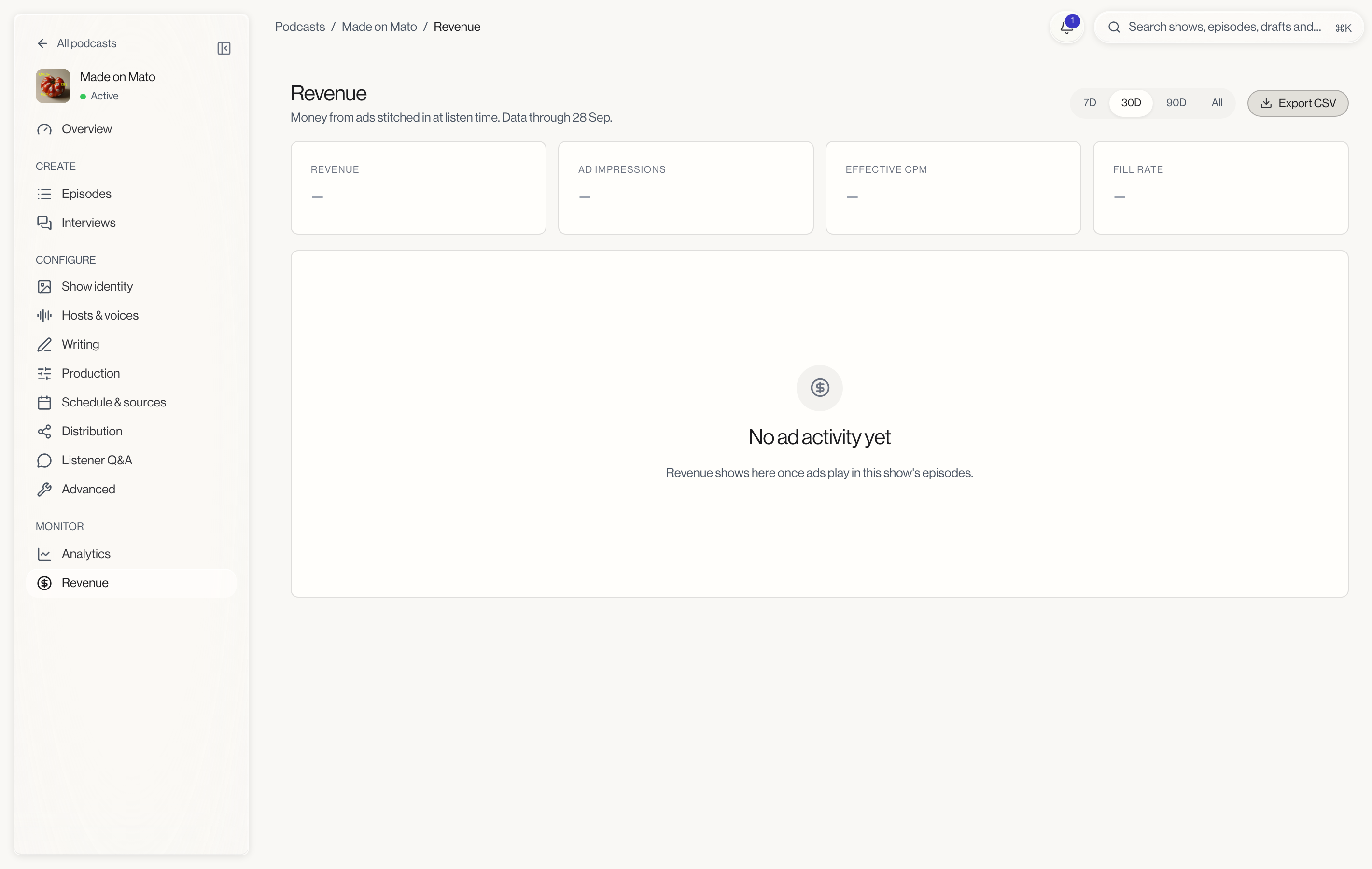
Revenue only works for a show connected to Mato Distribution, since ads are stitched into episodes Mato hosts. If the show is not connected, the page shows "Revenue starts once Mato hosts this show" instead of numbers, with a link to publishing settings. If the show is connected but has no ad activity yet, the four KPI cards show dashes and the rest of the page shows "No ad activity yet". Revenue shows here once ads play in the show's episodes.
The four KPIs
- Revenue: total ad income for the period, in USD.
- Ad impressions: how many ad plays were counted.
- Effective CPM: revenue per 1,000 impressions.
- Fill rate: the share of offered ad breaks that actually played an ad, shown as a percentage with the raw count underneath (for example "420 of 500 ad breaks filled").
Revenue per day
A chart plots daily revenue in USD across the selected period.
By campaign and by slot
Two tables sit side by side below the chart:
- By campaign splits revenue between Direct, paid campaigns and House, filler ads, with impressions and revenue for each.
- Fill rate by slot breaks the fill rate down by Pre-roll, Mid-roll, and Post-roll, showing opportunities, filled breaks, and the resulting rate for each slot type.
Top earning episodes
A table ranks the show's episodes by ad revenue in the period, with impressions alongside. Each row links to that episode's own Analytics tab.
Export CSV
The Export CSV button next to the period control downloads the current period's revenue data. It is disabled while the show is not connected to Mato Distribution.
Related
- Show analytics: downloads, episode performance, audience, and link clicks for the same show.
- Distribution analytics: what counts as a download and when the numbers update.