Mato just raised pre-seed Read more

Identity · the part that drifts when nobody’s watching

Your show, on-brand. Every render, every time

Upload your kit once. Mato locks every clip, caption, thumbnail, and end-card to your colors, fonts, and logo treatment. Drift gets blocked at render. Not noticed three weeks later.
1
Upload · applies forever after
100%
Of renders pass brand audit at export
5
Locked tokens · colors, fonts, logo, ratios, captions
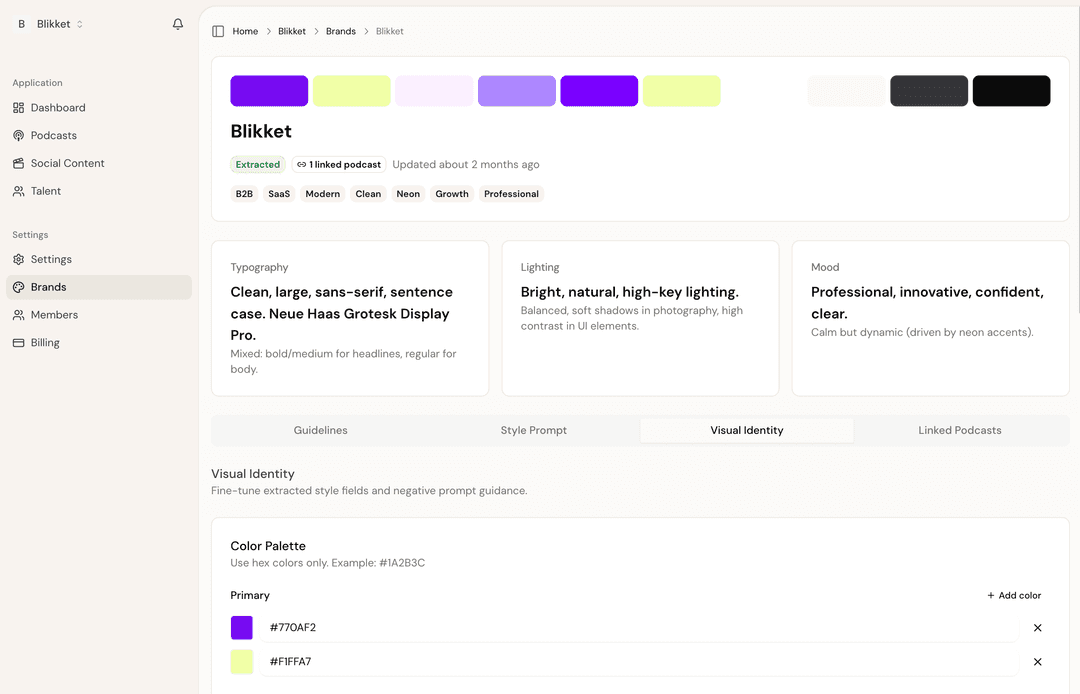
Brand kit settings panel showing locked color palette, typography tokens, logo placement, and caption preset selector

Backed by

Your brand kit

One place. One source of truth

Upload a Figma file, a brand PDF, or pick from a few presets. Mato reads it, fills in your tokens, and the next render uses them. Without you opening a single template.

LogoLocked
Palette · 5 brand colorsLocked
  • #1A1A1A
  • #FAF7F2
  • #E9654A
  • #2C7A4F
  • #F1E8D8
Display typeLocked
Instrument SerifItalic · 500
Body typeLocked
DM Sans400 · 500 · 600 · 700
Caption presetLocked
  • Ribbon · default
  • Karaoke
  • Mono

Set up in 30 seconds

Three ways in

Mato meets your brand wherever it already lives.

  • Connect FigmaReads tokens, components, type styles automatically
  • Upload brand PDFMato extracts colors, fonts, logo from your guidelines doc
  • Set by handPick colors, upload a logo, choose two fonts. Done.

Time to first on-brand render≈ 30 seconds

Caption presets

Three styles. Each a distinct voice

Pick one as your default, override per clip if you need to. Every preset uses your brand colors and fonts.

9:16Ribbon

“The cultural shift is the hard part. Not the tooling.”

9:16Karaoke

Scheduling is one click. Writing a doc is ten.

9:16Mono

→ Defaults eat decisions. Always.
→ Pick the right defaults.

Drift detection

Off-brand renders never ship

Every export runs a brand audit. Off-palette colors, wrong fonts, missing logo treatment, illegal aspect ratios. Mato catches it at the render stage, fixes when it can, blocks when it can’t.

  • Token enforcementCaptions can only use approved brand colors. The picker shows nothing else.
  • Pre-export auditFinal pass checks every frame against your kit. Surface drift before push.
  • Override with reasonA producer can break a rule on purpose. It gets logged and surfaced.
Brand audit · episode 47 export6 / 7 passed
  • Caption color · coral on dark, all 5 clipsPass
  • Font usage · DM Sans + Instrument Serif onlyPass
  • Logo placement · corner-pinned, 8% marginPass
  • Aspect ratios · 9:16, 1:1, 16:9 per platform specPass
  • Clip 4 cover frame · slight contrast issue, auto-fixedFixed
  • End-card · show name + handle presentPass
  • Sponsor lower-third · non-brand color usedBlock

For networks

One workspace. Many shows. No bleed

Networks and studios run dozens of shows with their own identities. Each gets its own kit, its own caption preset, its own approved palette. Producers can switch between them in one click and never accidentally publish Show A’s clip in Show B’s colors.

  • Per-show brand kits · no cross-contamination
  • Network-level guardrails · house rules above show rules
  • Producer roles · edit, approve, publish · separated by permission
Network workspaceZero cross-contamination
Acme Media NetworkNetwork-level guardrails active
  • Late StagesInstrument Serif · DM Sans
  • Tech UnboxedSpace Grotesk · Inter
  • Culture HourPlayfair · Lato
  • Green RoomSora · Work Sans

Pairs with

Brand applied everywhere it lands

Set the kit once.
Never think about it again

Brand drift is a producer tax. Mato pays it for you, on every export, in every language, on every platform.