
This was a big week. The AI Co-Host went from zero to fully wired across settings, the podcast home page, and the episode generation screen. Social content clips got a proper editor. And the interview system learned to stop asking the same questions twice.
New features
AI Co-Host: settings, strip, and mode picker
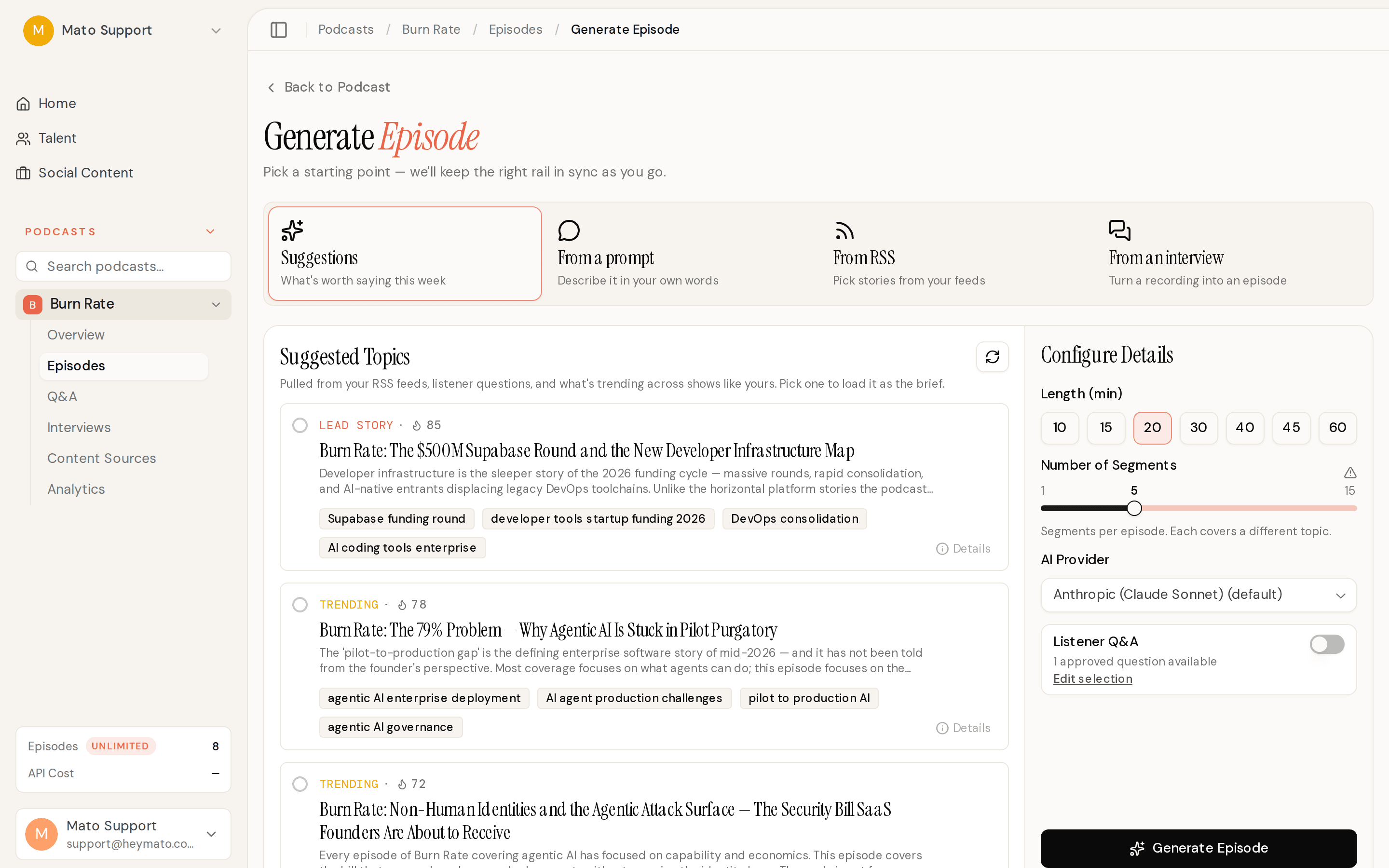
The AI Co-Host feature shipped end to end this week. In podcast settings, you can now enable co-hosting, pick a Talent to ride shotgun, set a default control dial (from "I lead" to "AI leads"), and choose a target episode length. The podcast overview page shows a co-host strip with the assigned Talent's identity, voice, and a "Record with [Name]" button. And the Generate Episode screen gained a mode picker so you can choose between generating from suggestions, a prompt, RSS, or an interview.
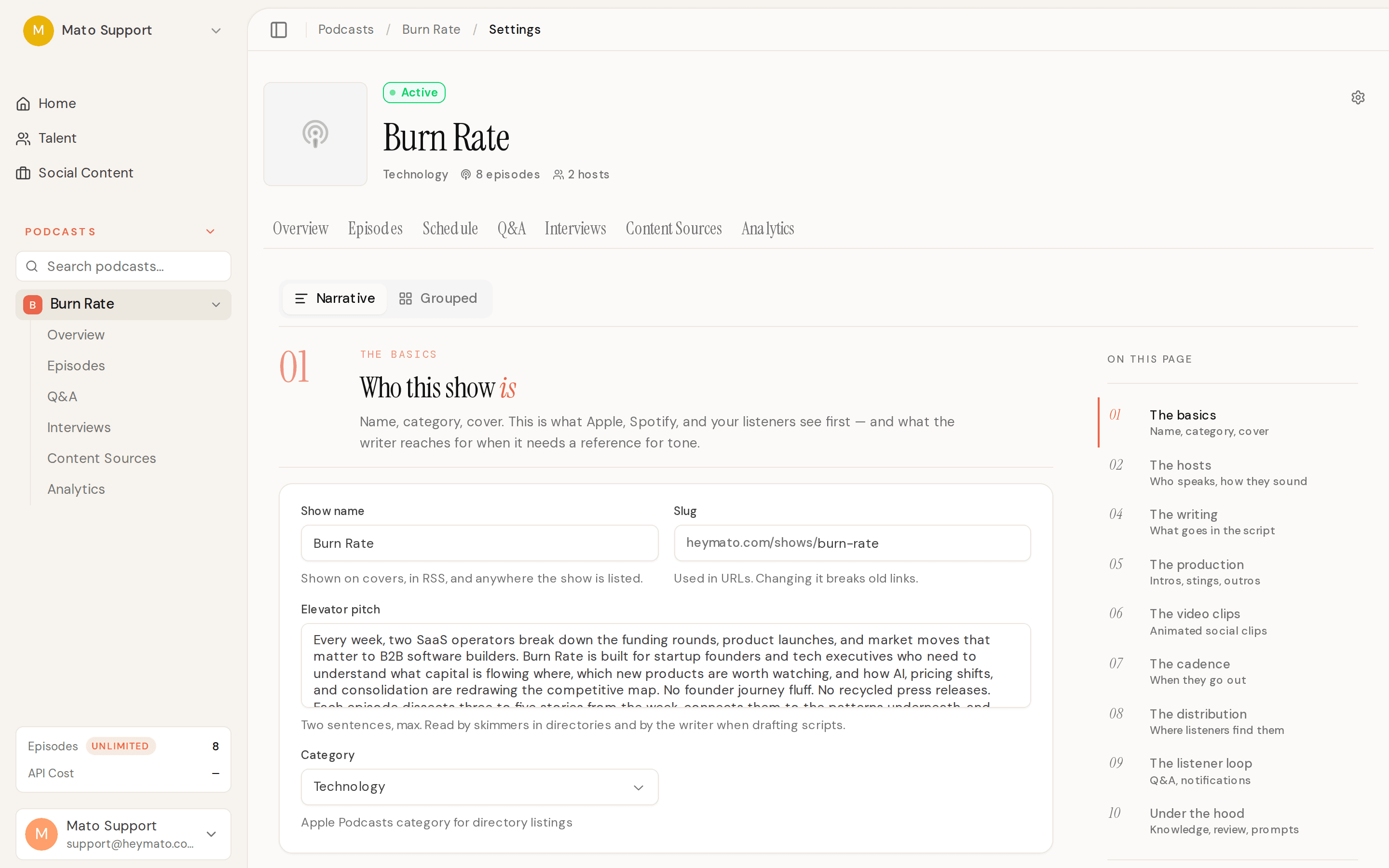
The co-host is gated behind plan entitlement and a kill-switch, so it rolls out on your timeline. Business plan accounts now have access too, not just Network and above.
Social content editor with scripts, B-roll, and style presets
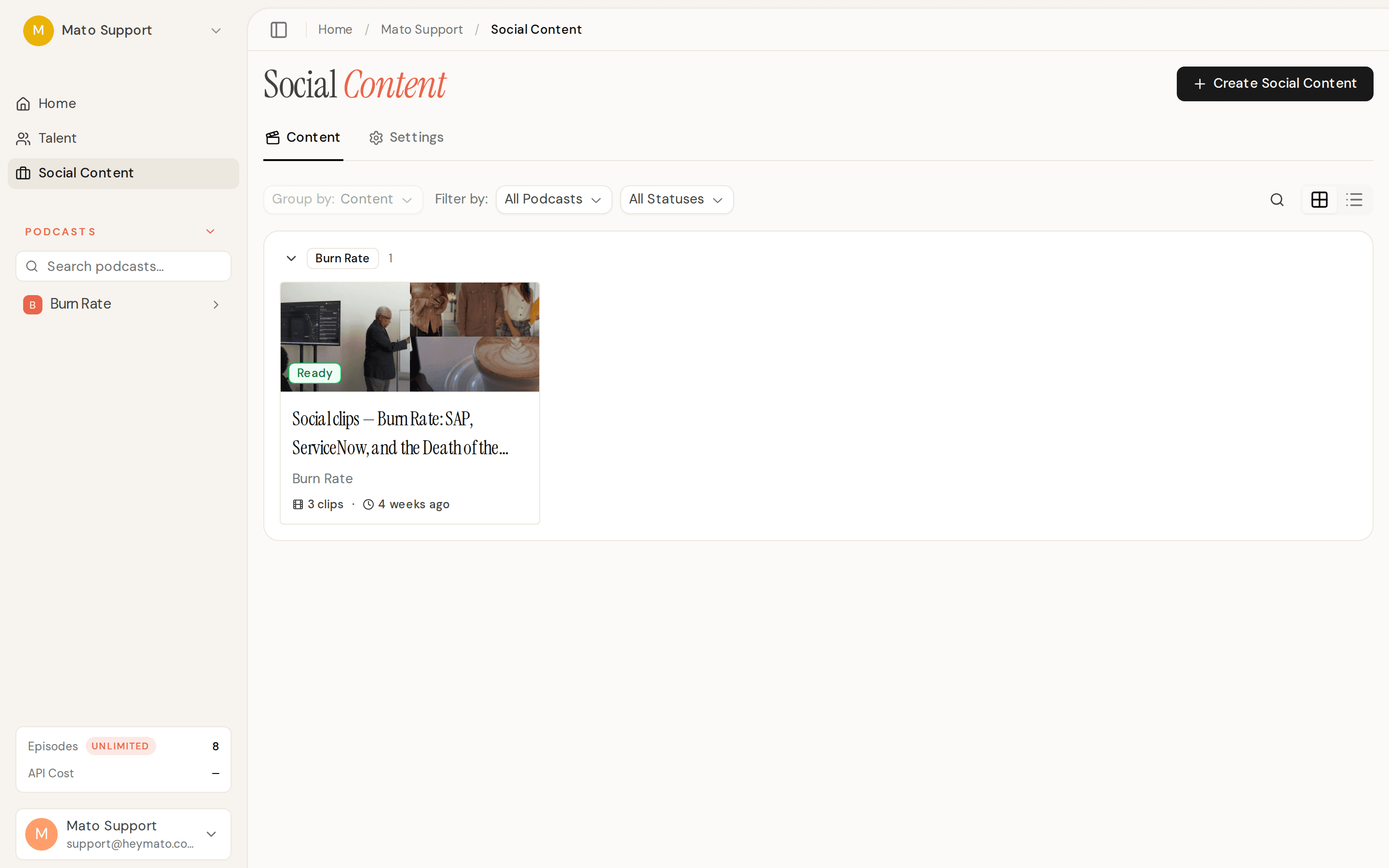
The social content clip editor got four new capabilities. You can now edit generated scripts directly (title, hook, body, CTA) and regenerate just the voiceover and captions without rebuilding the whole clip. A visual slots panel lets you search for and swap individual B-roll segments with Pexels results or your own uploaded assets. Custom uploads go to a private storage bucket with account-scoped access. And style presets let you save your preferred look per brand, apply it across clips, and set a default so new clips start styled the way you want.
Link-only interview invitations
When creating an interview invitation, you can now choose to generate just the link without sending an outreach email. Useful when you want to share the invite through your own channels or hand it to a guest in person.
Public episode page data API
Partner sites can now pull structured episode data from Mato through GET /api/v1/episode-page-data. The endpoint returns sanitized show notes, FAQ, key takeaways, transcript, chapters, cover art, and audio metadata. It supports lookup by show slug + episode slug or by RSS GUID. Responses are cached with tag-based invalidation, and the endpoint is rate-limited at 1,000 requests per 10 minutes per client IP.
Improvements
Smarter interview topic and question generation
The interview invite wizard now pays attention to your show's subject, not just the guest's resume. A precious-metals education podcast with a sales VP as the guest will get topic ideas about gold markets and investor education, not "how you went from broker to VP of Sales." Returning guests also get fresh suggestions. The system checks prior appearances, covered topics, and consented quotes so it avoids repeating ground from previous episodes. Top-performing episode context now includes real descriptions and tags instead of just titles and download counts.
Conversation Mode is the default for all accounts
Conversation Mode (the free-flowing interview format) is now on by default for everyone. The old Guided Q&A method is still available and labeled "Legacy." No per-account beta flag needed anymore. The global kill-switch remains for operators if needed.
Analytics labels corrected
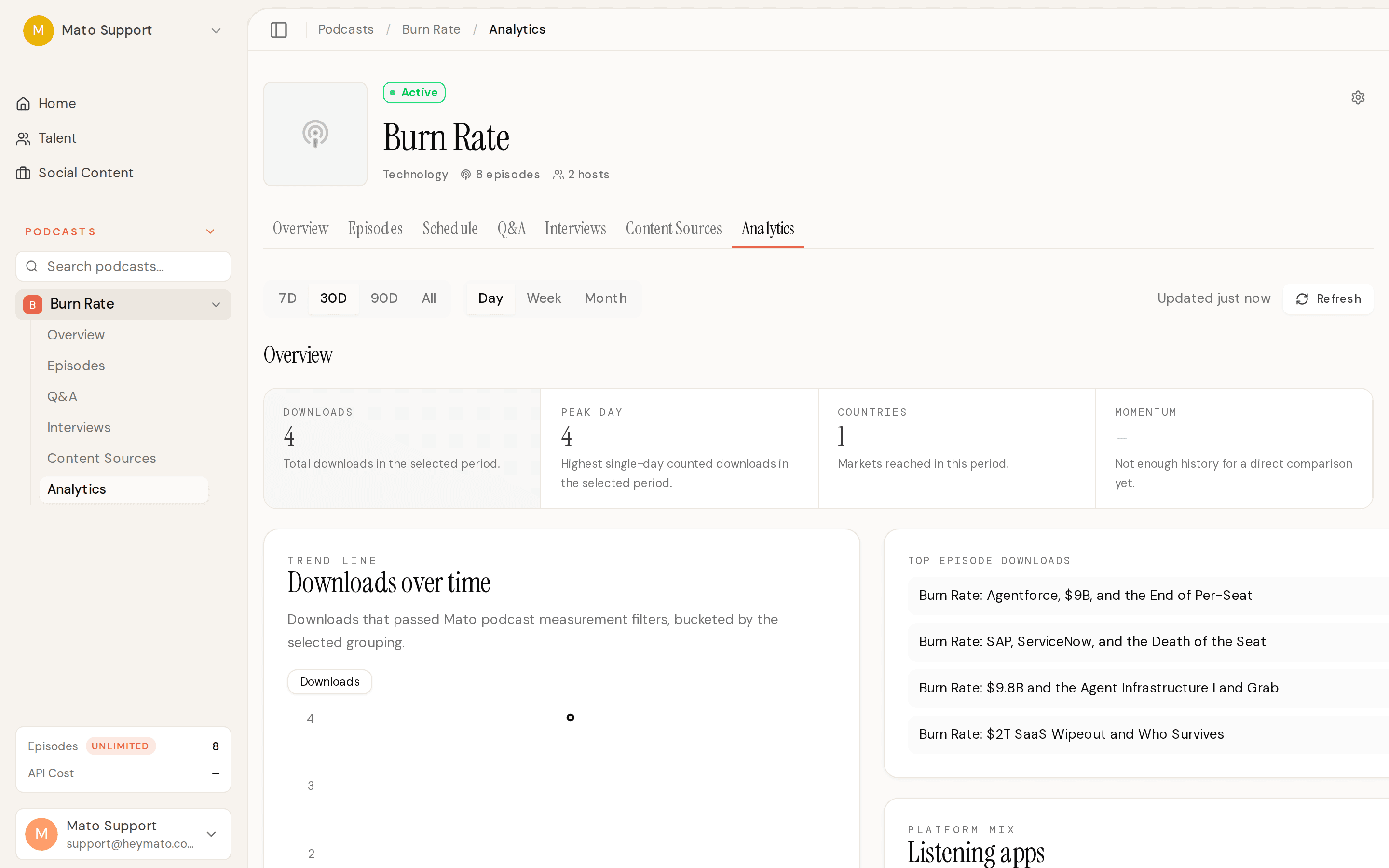
The "Unique listeners" metric across the analytics dashboard and podcast overview was relabeled to "Peak day." The number always represented the highest single-day counted downloads, not true unique listeners. The label, chart, insights panel, and episode-level analytics all reflect the corrected name now.
Podcast wizard: schedule and subcategory
The podcast creation wizard now infers release time, timezone, and active days when generating schedule values, instead of falling back to defaults before you see them. You can also pick an Apple Podcasts subcategory during the Basic Information review step.
Episode suggestion refresh
The schedule sidebar gained a manual refresh button for episode suggestions. It also pre-refreshes stale or empty suggestion pools before scheduled podcast slots, and preserves suggestions you have already queued when refreshing.
Interview segment auto-refresh
The interview details page now polls for segment processing status automatically. When the "Process Interview Segments" job finishes, the "Create Episode from Interview" button enables itself. No more manual browser refresh.
Bug fixes
Fixed episode numbers being reused after deleting episodes. New episodes now get the next number after the highest existing episode, not a count-based number that can collide with remaining episodes.
Fixed corrupt user-uploaded PDFs causing retry storms in knowledge document processing. Invalid documents now fail immediately with a clear error message instead of retrying three times and showing a raw technical error.
Fixed scheduled generation runs that failed after dispatch leaving silent pending rows. The system now marks those failures visibly and the stuck-row watchdog picks up stranded auto-publish episodes.
Fixed the ElevenLabs Dialogue API stripping status codes from error messages, which broke retry classification. Transient 500 and 429 errors are now retried correctly with exponential backoff.
Fixed interview audio extraction running as a single monolithic step that could exceed Vercel's time and memory limits on long interviews. Extraction is now split into 10 checkpointed steps, so retries resume from the last completed checkpoint.
Fixed a duplicate toggle in the Video Clips settings section. The header switch and the body switch were both bound to the same state. Only the labeled body toggle remains.