
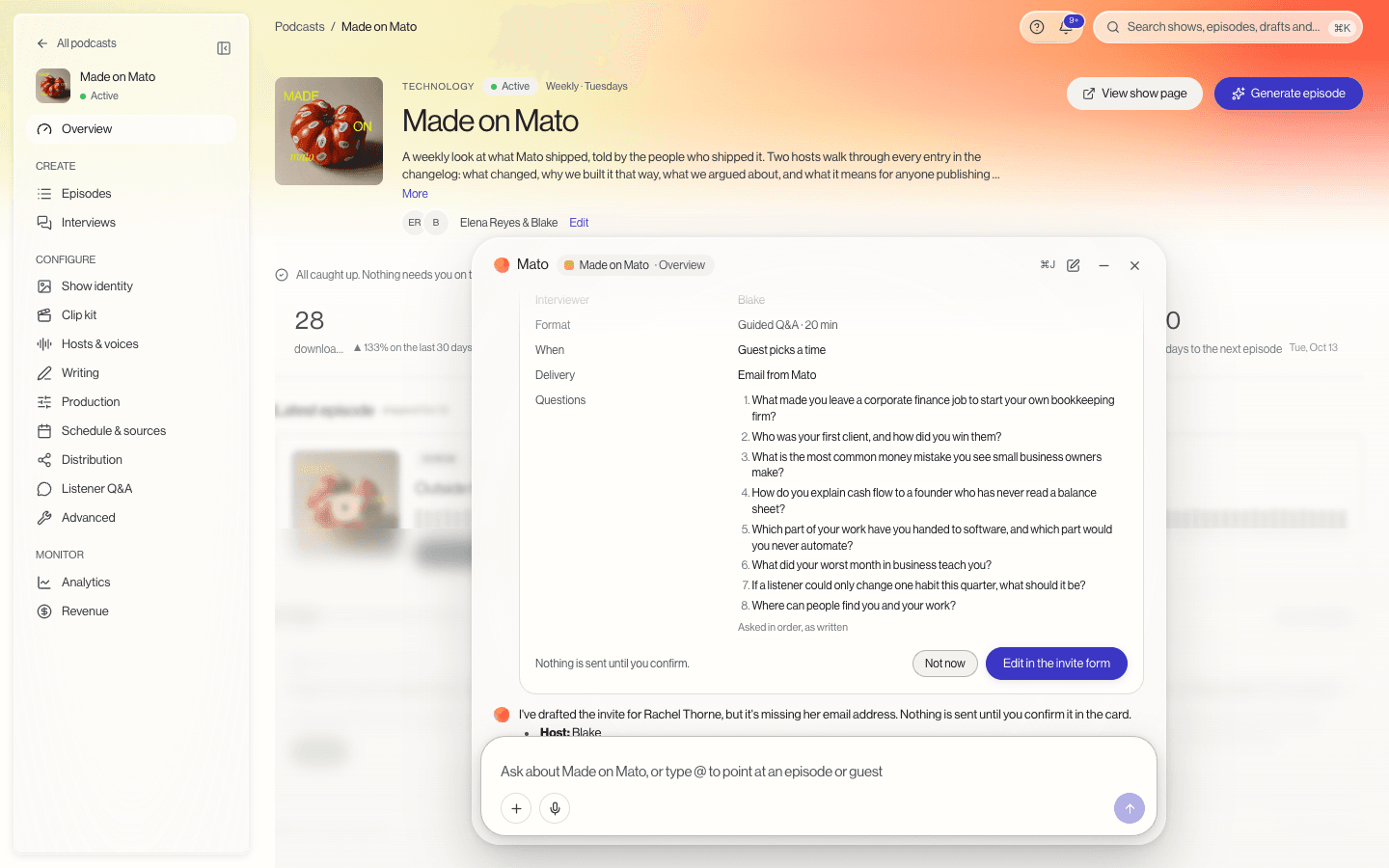
Turn your own question list into an interview
Attach a Word document, PDF or text file to Ask Mato and ask for a guided Q&A interview. Mato reads the questions and drafts the invite with them in their original order and wording. Open it in the invite form, add your guest's email and send. As long as you leave the list unchanged, the host asks each question exactly as written.
You can start from your show's overview or from the Interviews page. The one-minute tutorial walks through it.
Attach files to Ask Mato
The plus button in Ask Mato attaches a file: a question document, or one of your recordings to make content from. Ask Mato reads what you attach as part of the conversation. Anything that changes your account still waits for your OK.
Ideas has its own page
Ideas is now the first item under Create in the sidebar. It shows what Mato suggests you make next as a gallery of interviews, episodes, clips, articles and recordings, each with a visual for its kind. Open an idea to see why Mato suggests it, how it serves your goal and what to do next.
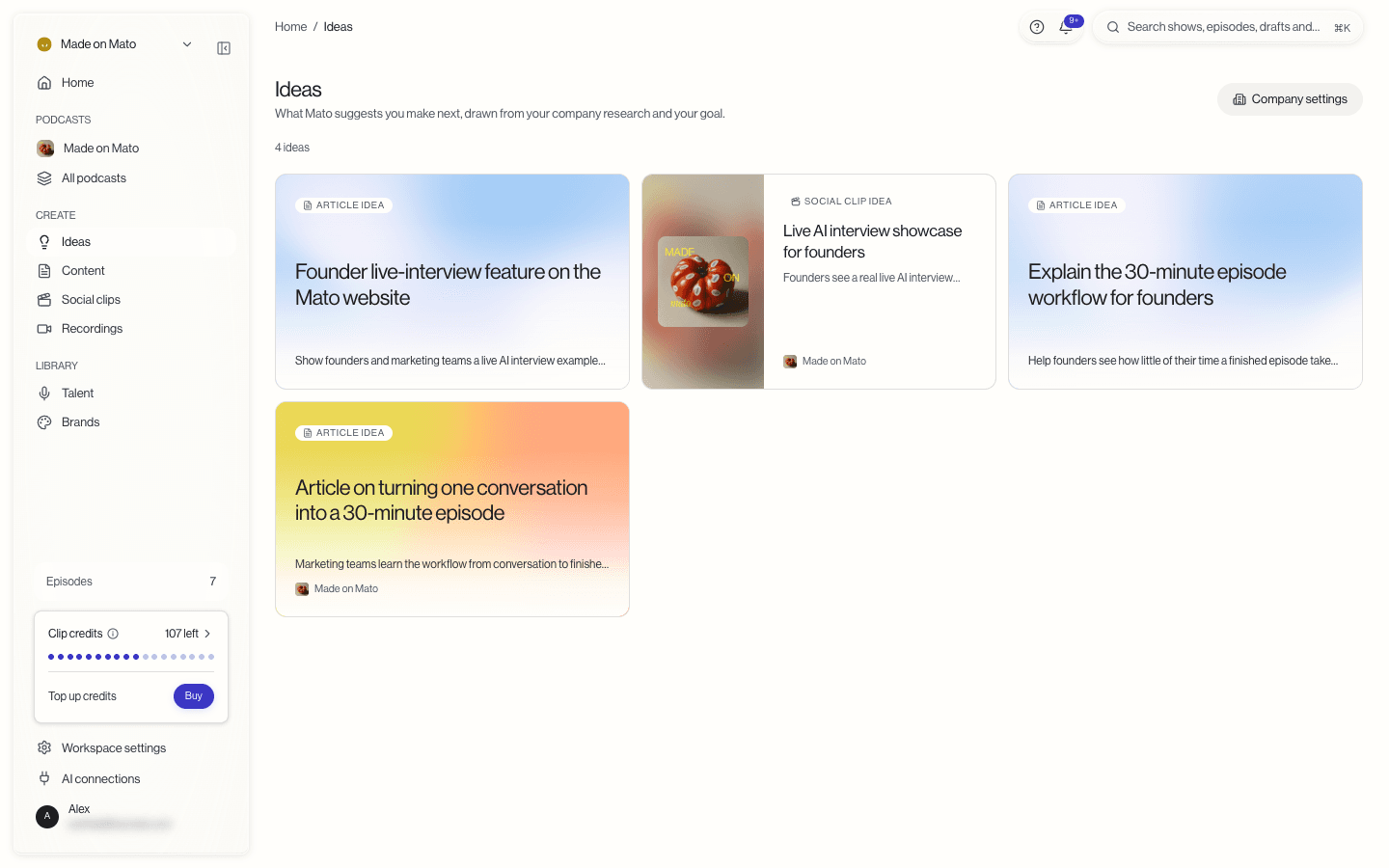
Ideas come from research on your company. If your workspace has no company on file yet, the Ideas page asks for your website right there. The same ideas also appear as suggestions on the screens for a new episode, interview, article or social clip.
Your company in workspace settings
Workspace settings now has its own sections for your company: your website, your goal, what Mato found and the ideas for this company. Changing your goal makes Mato rethink its ideas.
Clip credits for social clips
Social clips now run on clip credits. Each plan includes a monthly allowance: 30 credits on Launch, 150 on Business and 400 on Network. Included credits reset with each billing period.
A clip costs one credit for each format you make. Make clips shows what a batch will cost before you start it.
When you need more, buy a pack on the Billing page: 25 credits for $100, 100 for $350 or 300 for $900. Make clips offers the smallest pack that covers a batch when your balance runs short. Your balance sits in the sidebar, and Home and Social clips warn you when it runs low.